Download YouTube ReVanced
The simplest way is to download Community ReVanced Manager and use it to install, manage, and update other ReVanced applications with user-friendly features designed for non-technical users.
Or download and install latest pre-built version of YouTube ReVanced and MicroG
YouTube ReVanced 20.14.43 ReVanced YouTube Music 8.10.52 MicroG 0.3.1.4.240913Looking for older versions?
Want to build your own custom APK?
YouTube ReVanced Extended
ReVanced Extended, created by inotia00, improves on the original YouTube ReVanced with more features and a friendlier UI.
Features
Explore the powerful capabilities of YouTube ReVanced
Core Features
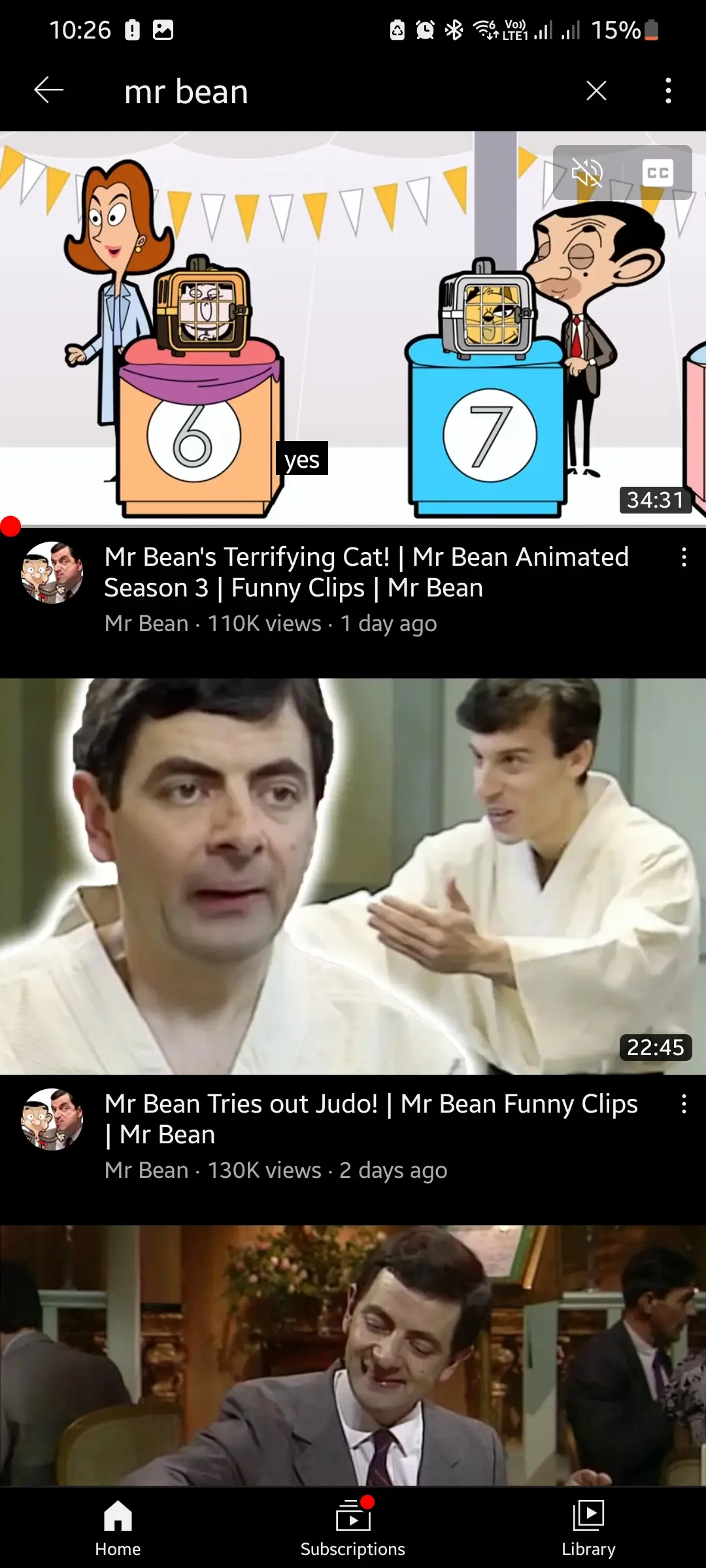
- Uninterrupted viewing: Enjoy videos without any ad breaks
- Background audio: Continue listening when screen is locked
- Offline downloads: Store videos for later viewing
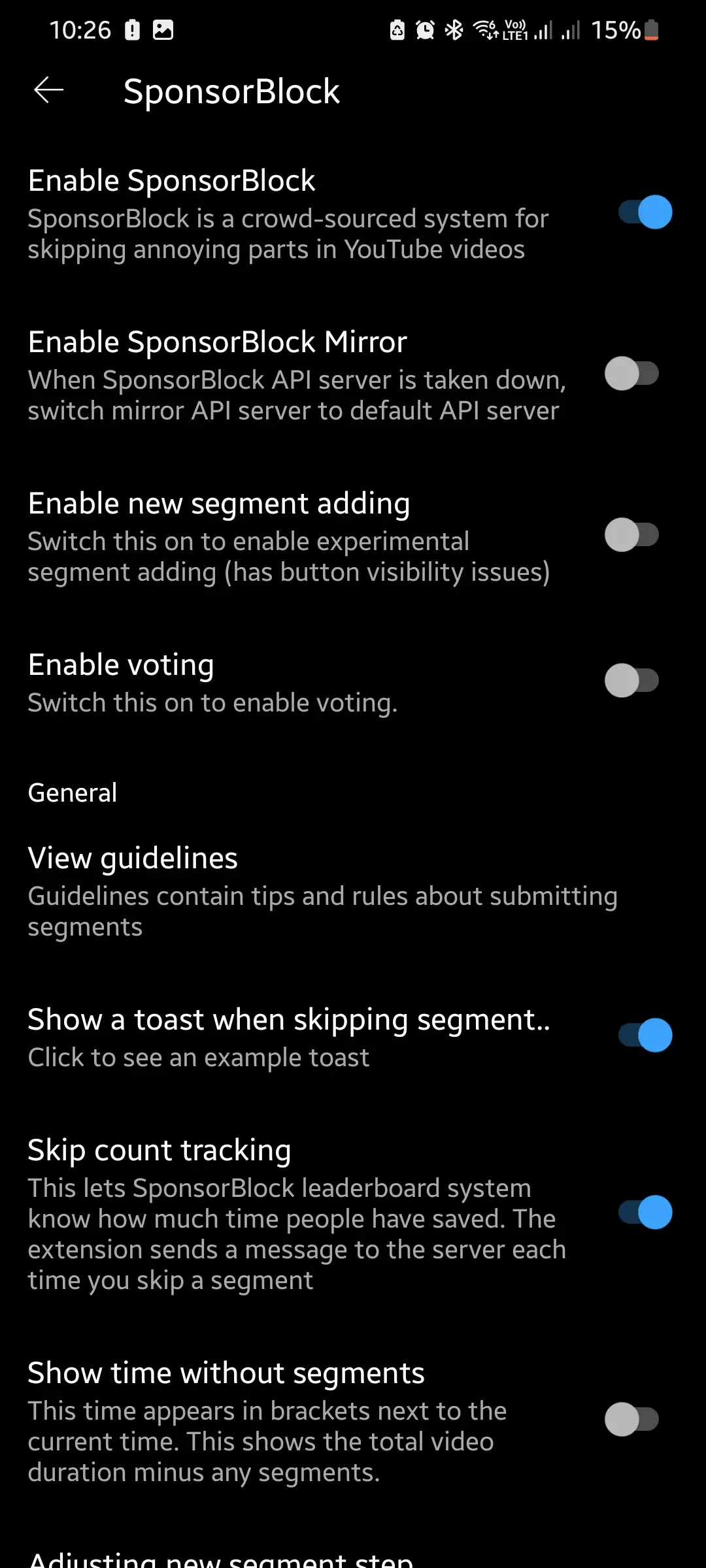
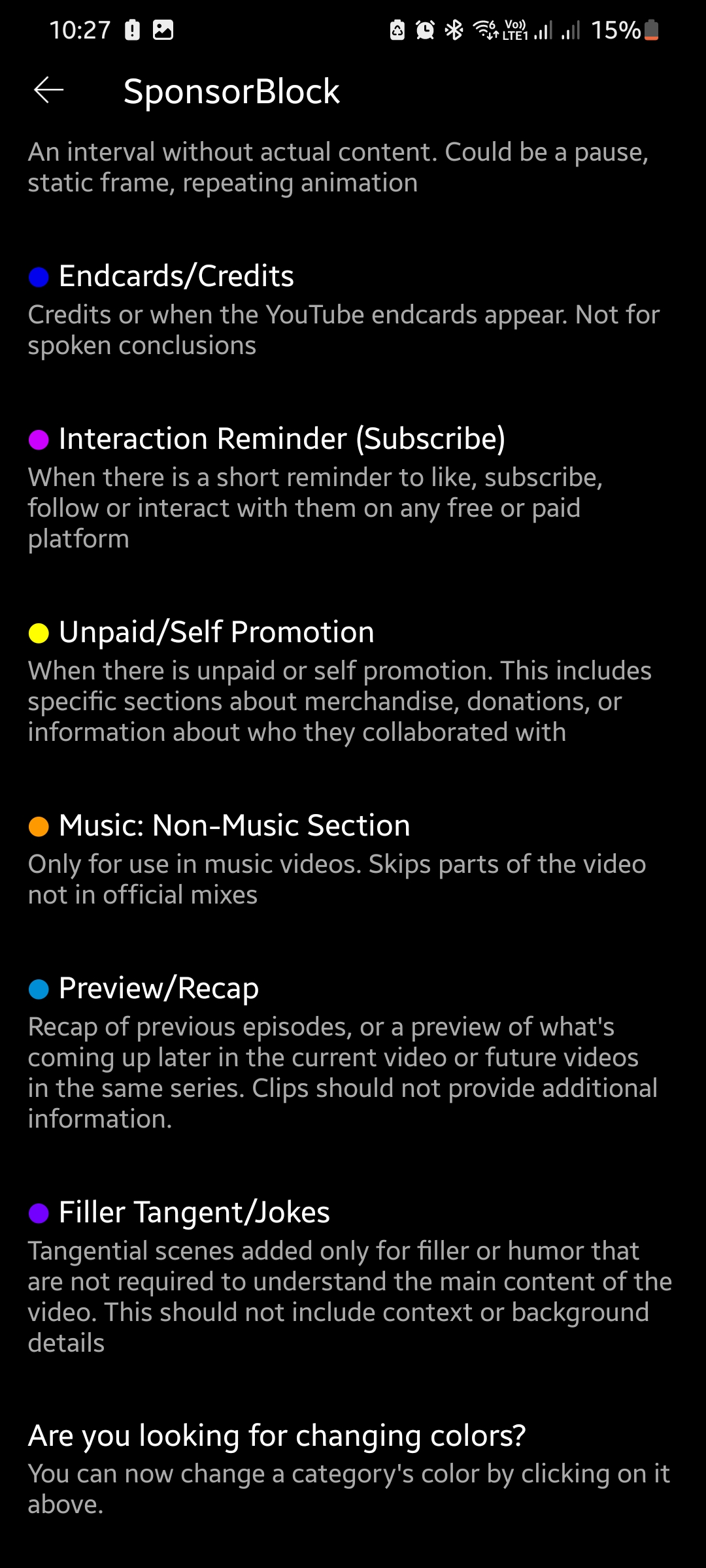
- Auto-skip sponsors: Automatically bypass promotional content
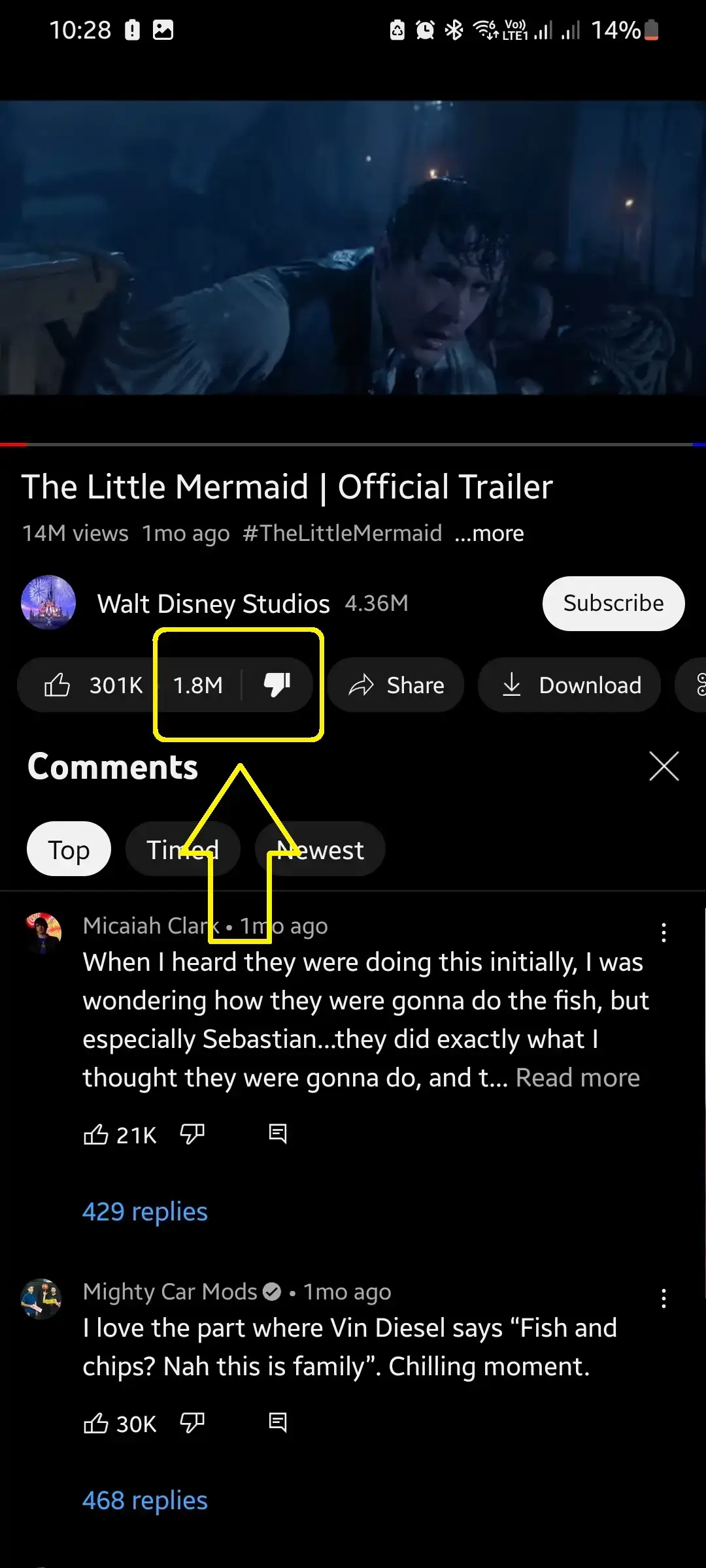
- Dislike counter: See accurate dislike numbers on videos
- Visual themes: Customize the app's look and feel
- Resolution settings: Select your preferred video quality
- PiP mode: Watch videos while using other apps
- Touch gestures: Control brightness and volume with swipes
- Playback controls: Set custom video speed preferences
Personalization
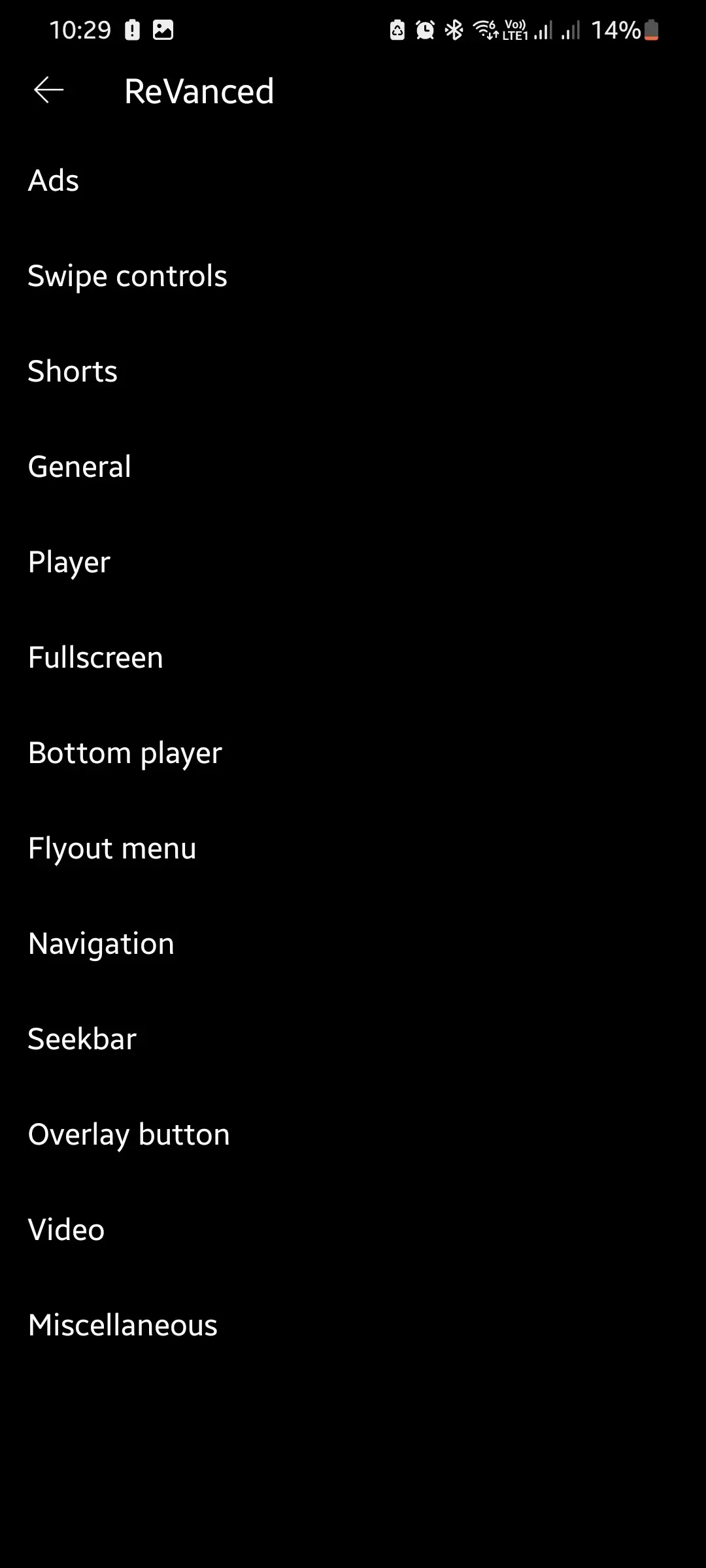
- Color schemes: Choose from Dark, Light, or AMOLED themes
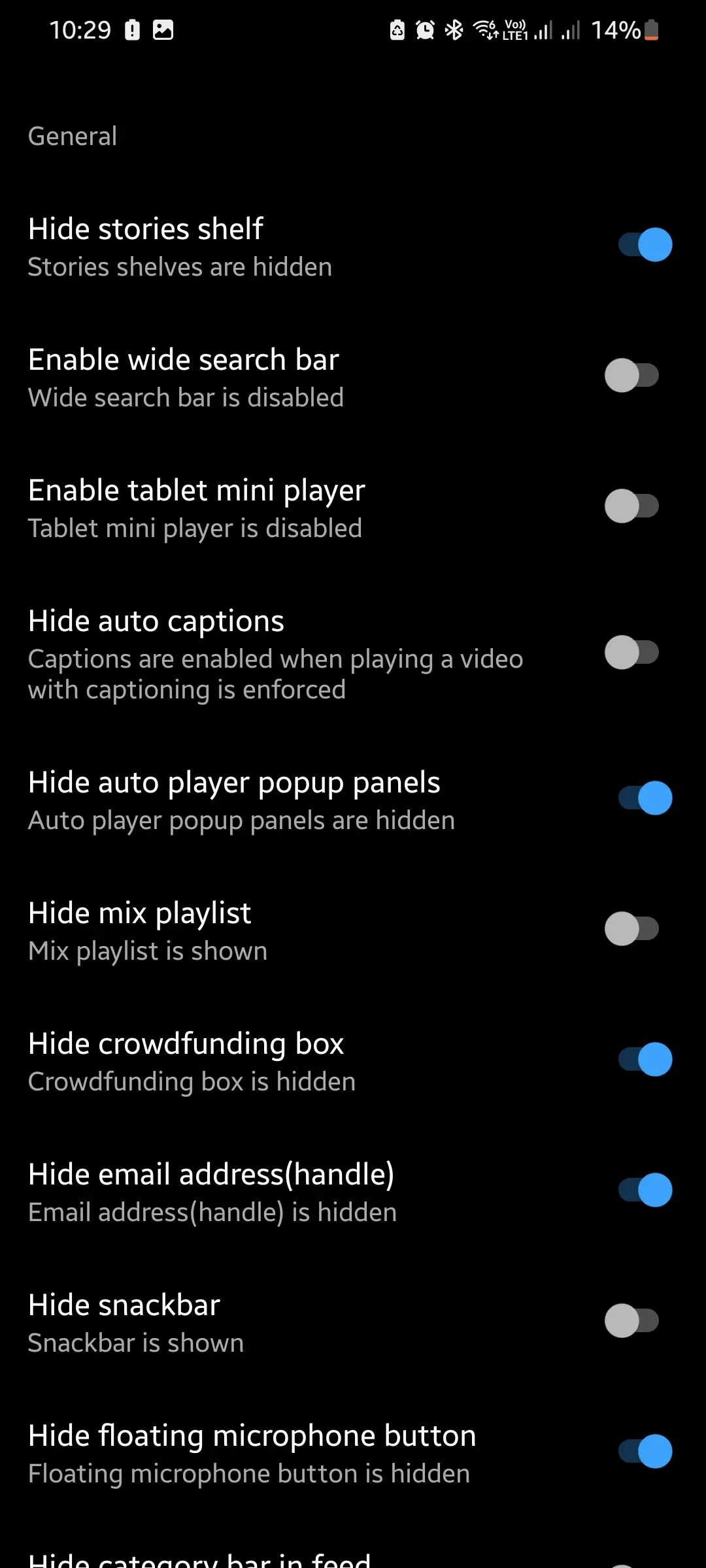
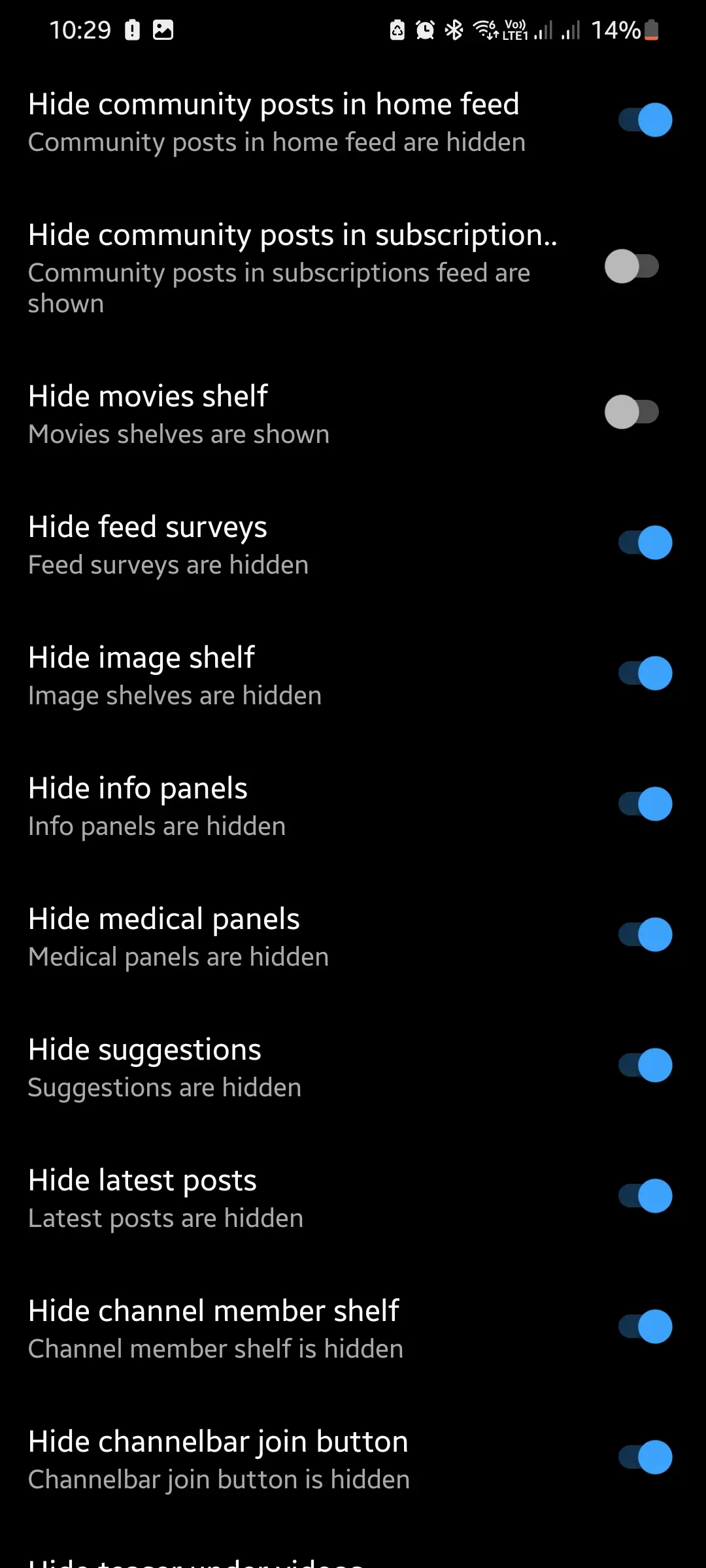
- Interface options: Remove shorts, cast, and other UI elements
- Player settings: Configure default quality, playback speed, and subtitles
- Ad filtering: Select specific ad types to remove
- Touch settings: Personalize swipe gestures and tap controls
Dislike Counter
- See real dislike numbers displayed on every video
- Evaluate content quality before clicking play
- Join the community in providing feedback
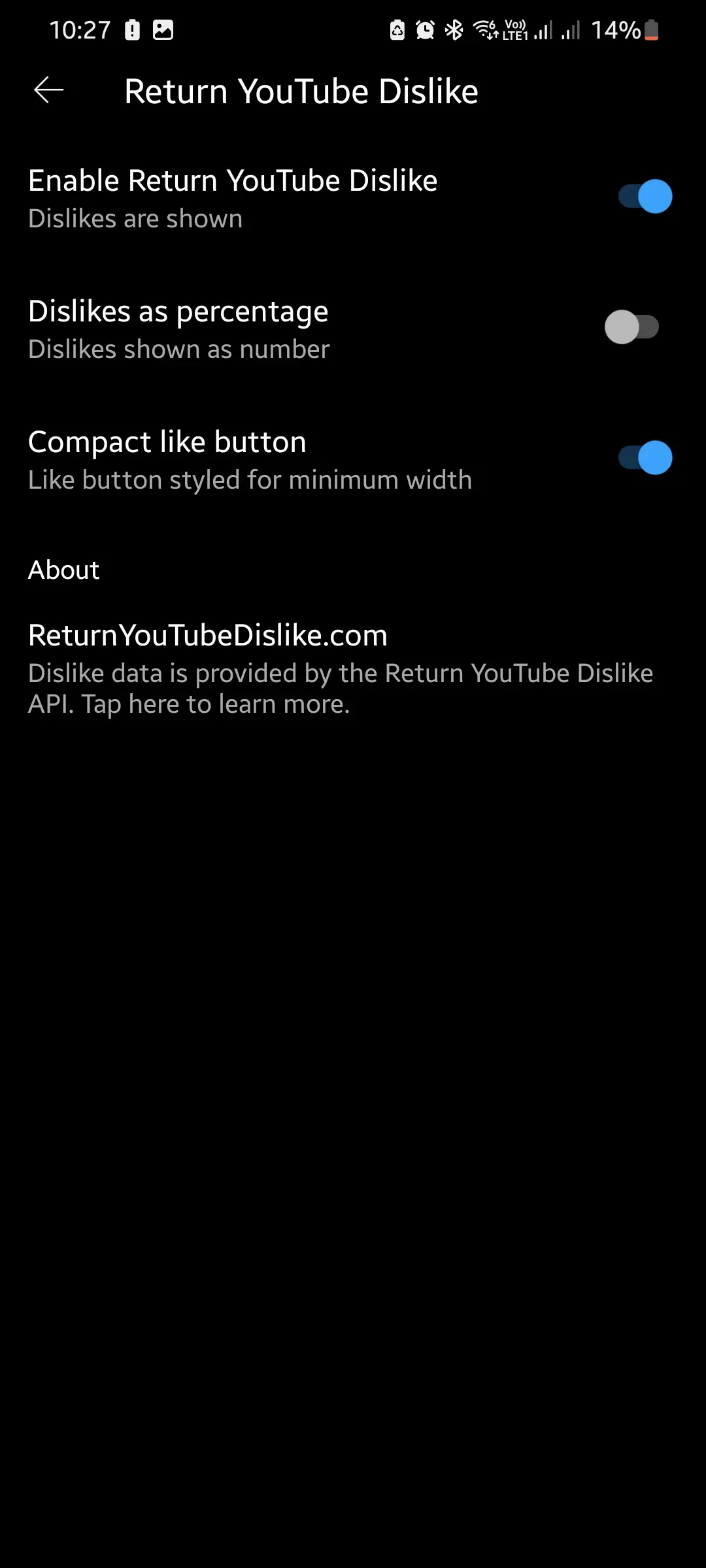
- Personalize the dislike button's visual style
- Seamlessly integrated into your browsing flow
- Better video recommendations using dislike data
Auto-Skip Sponsors
- Efficient browsing: Auto-skip promotional segments saves your time
- Flexible options: Choose which segment types to automatically skip
- Crowd-sourced: Powered by user contributions marking sponsor sections
- Smooth playback: Enjoy continuous viewing without interruptions